Path Parameters
You can declare path "parameters" using the same syntax as Python formatted strings (which, fortunately, also matches OpenAPI path parameters):
@api.get("/items/{item_id}")
def read_item(request, item_id):
    return {"item_id": item_id}
The value of the path parameter item_id will be passed to your function as the argument item_id.
So, if you run this example and go to http://localhost:8000/api/items/foo, you will see this response:
{"item_id":"foo"}
Path Parameters with Types
You can declare the type of a path parameter using standard Python type annotations in your function:
@api.get("/items/{item_id}")
def read_item(request, item_id: int):
    return {"item_id": item_id}
In this case, item_id is declared as an int. This gives you editor and linter support for error checking, code completion, etc.
If you run this code in your browser using http://localhost:8000/api/items/3, you will see this response:
{"item_id":3}
Tip
Note that the value your function receives (and returns) is 3, as a Python int — not the string "3".
So, with just that type declaration, Django Ninja provides you with automatic request "parsing" and validation.
Data Validation
On the other hand, if you visit http://localhost:8000/api/items/foo ("foo" is not an int) in your browser, you will see an HTTP error like this:
{
    "detail": [
        {
            "loc": [
                "path",
                "item_id"
            ],
            "msg": "value is not a valid integer",
            "type": "type_error.integer"
        }
    ]
}
Django Path Converters
You can use Django path converters to help parse the path:
@api.get("/items/{int:item_id}")
def read_item(request, item_id):
    return {"item_id": item_id}
In this case, item_id will be parsed as an int. If item_id is not a valid int, the URL will not match.
(For example, if no other route matches, a 404 Not Found will be returned.)
Tip
Note that since Django Ninja uses the default str type for un-annotated parameters, the value the above function receives (and returns) is "3",
as a Python str — not the integer 3. To receive an int, simply declare item_id with an int type annotation in the function definition as usual:
@api.get("/items/{int:item_id}")
def read_item(request, item_id:int):
    return {"item_id": item_id}
Path Parameters with Slashes
Django's path converter allows you to handle path-like parameters:
@api.get('/dir/{path:value}')
def someview(request, value: str):
    return value
/dir/some/path/with-slashes, and your value will equal some/path/with-slashes
Multiple Parameters
You can pass as many variables as you want to the path — just remember to use unique names, and don't forget to use the same names in your function arguments.
@api.get("/events/{year}/{month}/{day}")
def events(request, year: int, month: int, day: int):
    return {"date": [year, month, day]}
Using a Schema
You can also use a schema to encapsulate interdependent path parameters (and validate them as a group):
import datetime
from ninja import Schema, Path


class PathDate(Schema):
    year: int
    month: int
    day: int

    def value(self):
        return datetime.date(self.year, self.month, self.day)


@api.get("/events/{year}/{month}/{day}")
def events(request, date: Path[PathDate]):
    return {"date": date.value()}
Note
Note that here we use a Path source hint to let Django Ninja know that this schema will be applied to path parameters.
Documentation
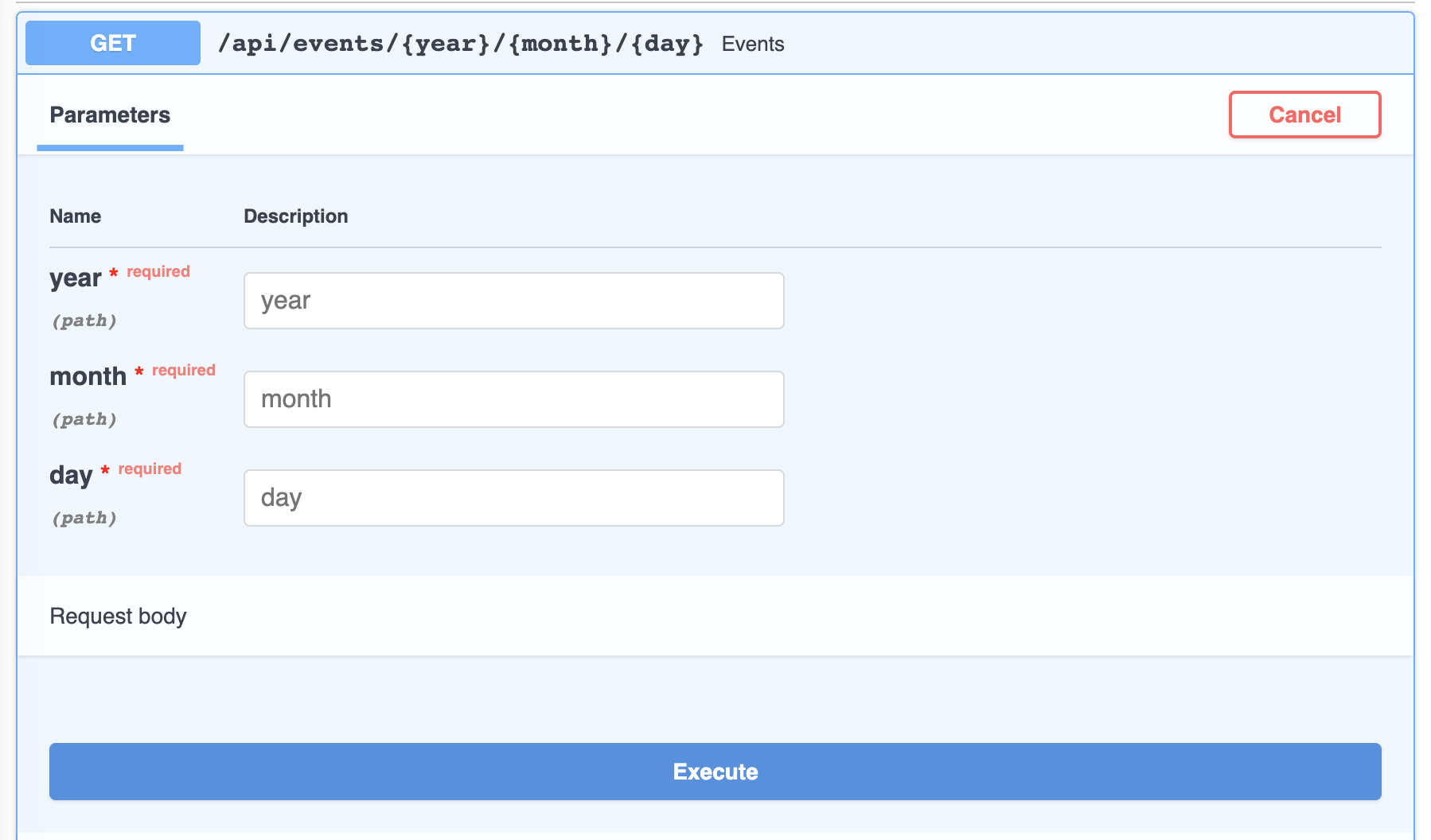
Now, when you open http://localhost:8000/api/docs in your browser, you will see the automatic, interactive API documentation.
Done
Continue to the next chapter! Query Parameters

Comments
本文总阅读量次